In the previous part we have installed the SRM 5 software and enabled the plug-in for SRM management. Next step in the SRM 5 deployment is site pairing which is basically connecting both SRM instances with each other. Keep in mind that only one Recovery Site can be connected to one Protected Site. Let’s see how site pairing works.
Site Pairing
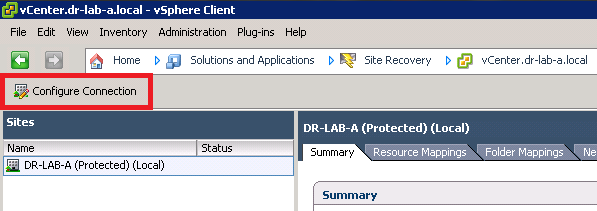
- Login to the vCenter Server on the Protected Site and navigate to the Site Recovery under Solutions and Applications.
- Once the SRM is loaded, click on Configure Connection button.
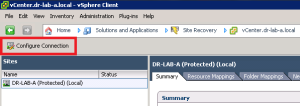
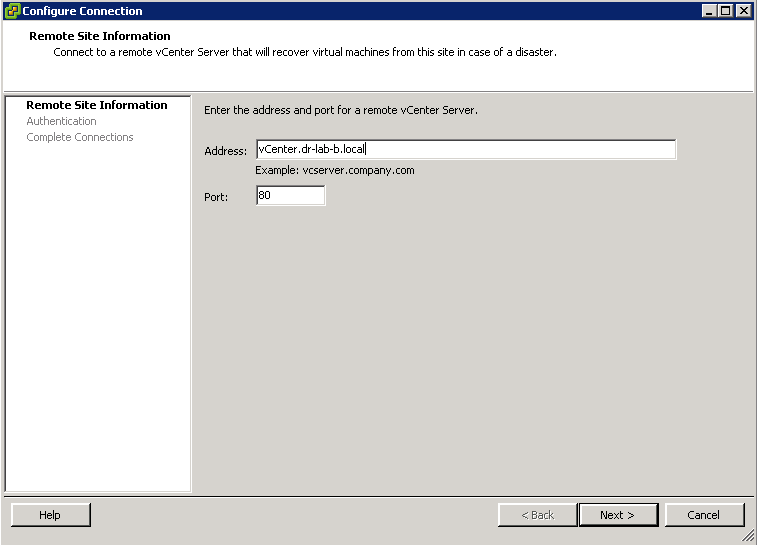
- In the Remote Site Information window, provide the address of the remote site. In this case this will be the Recovery Site. Click Next to proceed.
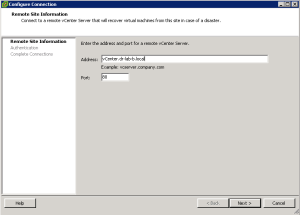
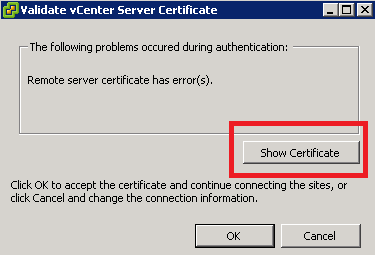
- You will be presented with a Validate vCenter Server Certificate window stating that there was a problem during authentication because the remote server certificate has an error. Click on Show Certificate.
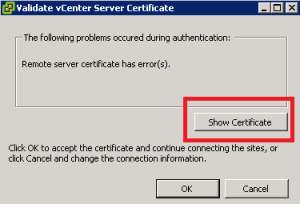
- In the Certificate window, click on Install Certificate and follow the certificate import wizard. When it finishes, click on OK to proceed.
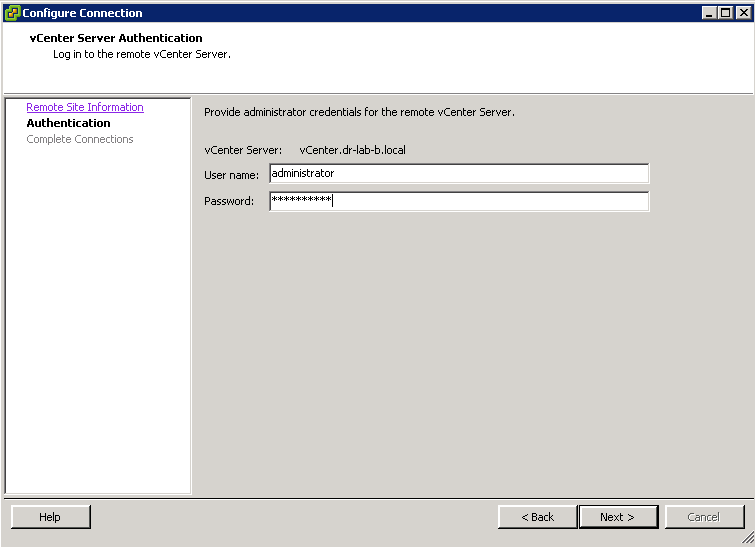
- In the vCenter Server Authentication window, provide the user name and password for the vCenter Server instance at the Recovery Site and press Next when ready.
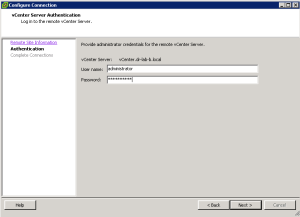
- Click Finish when the connection wizard completes and you will be presented with the login window for the vCenter Server instance at the Recovery Site. Provide the user name and password and click OK.
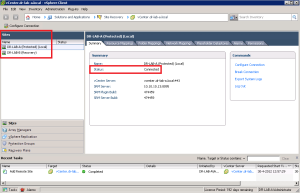
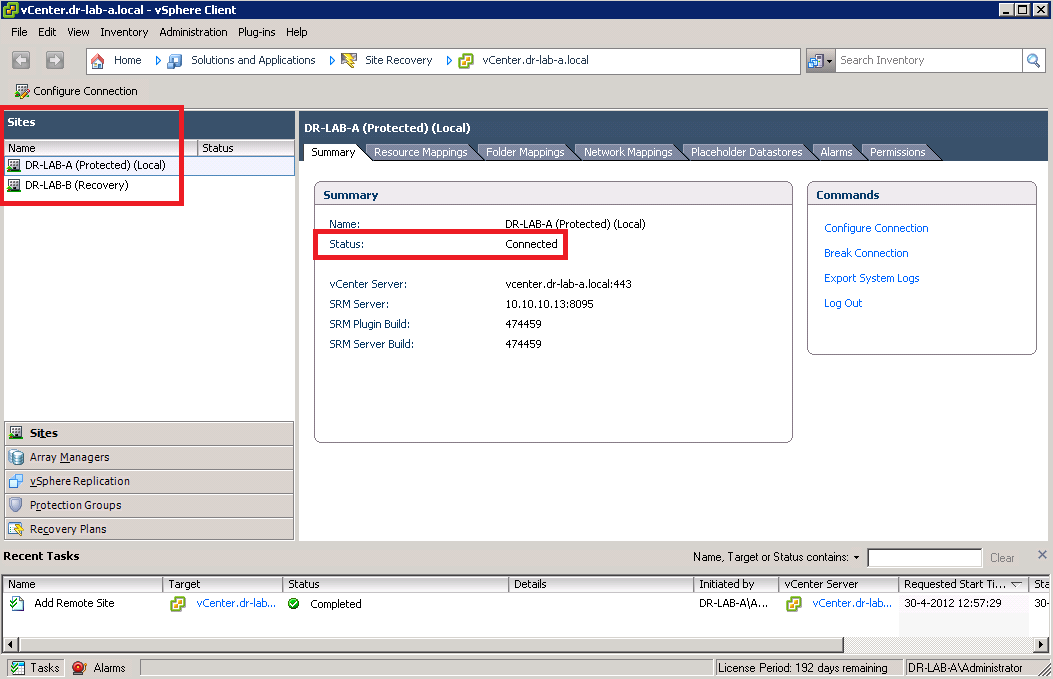
- You should now see both sites and the status under the Summary tab should read Connected.
Both sites are now connected. Continue to part 4 where we will take a look at the vSphere Replication.
Cheers!
– Marek.Z
Be the first to comment