After configuring the replication of the virtual machines in SRM we can now create Protection Group(s). So what exactly is a protection group? Well, it’s quite self-explanatory 🙂
“A protection group is a group of virtual machines that fail over together to the recovery site during a test or a recovery procedure.”
The protection group can be used in one or multiple recovery plans which we will create later. Protection groups can be Array-based or VR-based. In this case we will create a protection group based on vSphere Replication since it was configured in the previous part.
Create Protection Group
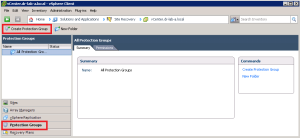
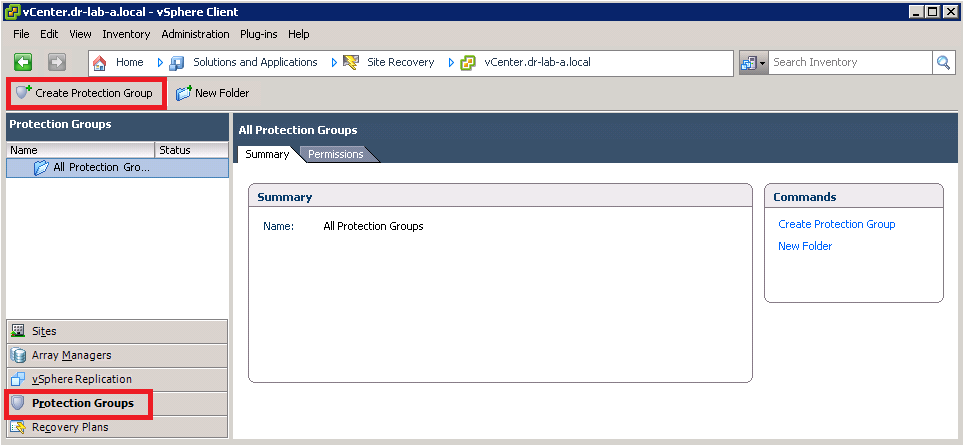
- On the Protected Site, open the Site Recovery Manager and select Protection Groups in the left pane. Click on Create Protection Group to start the wizard.
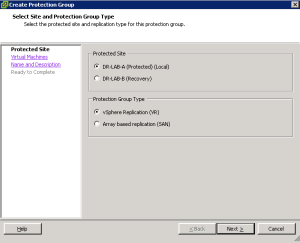
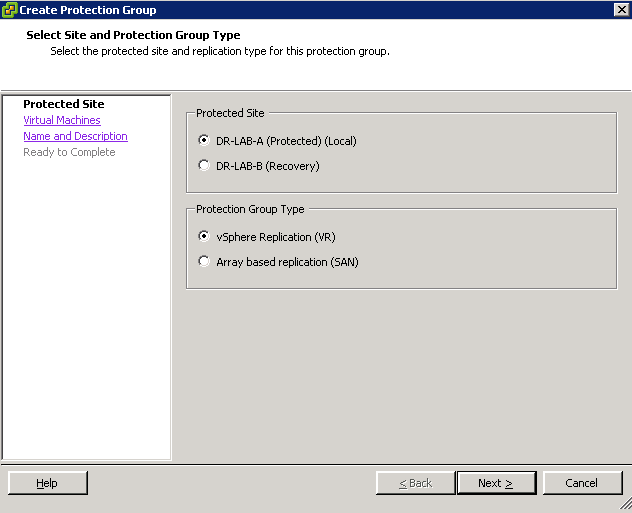
- In the Create Protection Group wizard, select the Protected Site and vSphere Replication as the protection group type. Click Next.
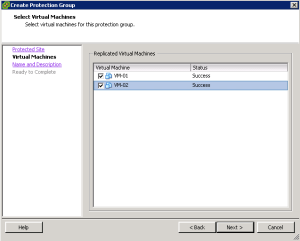
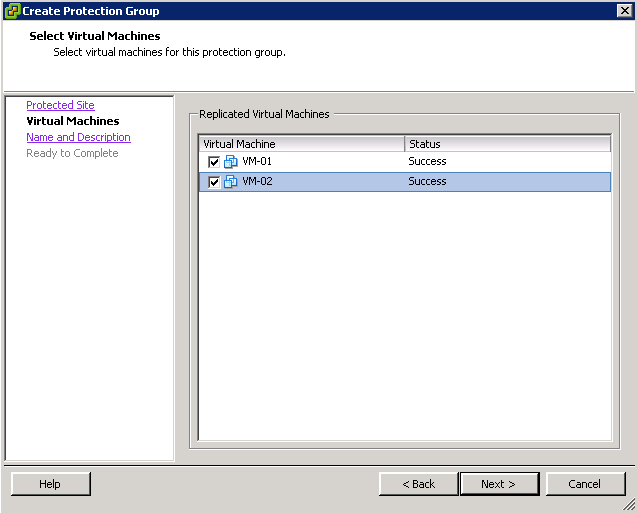
- In the Select Virtual Machines window, select the VMs you want to add to this Protection Group and click Next.
- Provide a suggestive name and alternatively a description for this Protection Group and click Next.
- Review the settings and click on Finish when ready.
- Wait until the Protection Group is configured. You can monitor the progress in the task pane.
Now that the VMs are protected we can start building a recovery plan. Continue to part 9 where we will configure a recovery plan for our VMs.
- SRM 5 Part 1: Preparation
- SRM 5 Part 2: Installation
- SRM 5 Part 3: Site Pairing
- SRM 5 Part 4: vSphere Replication
- SRM 5 Part 5: VRM Pairing and VR Deployment
- SRM 5 Part 6: Inventory Mappings
- SRM 5 Part 7: VM Replication
Cheers!
– Marek.Z
Hey this is somewhat of off topic
but I was wondering if blogs use WYSIWYG editors or if you have to
manually code with HTML. I’m starting a blog soon but have no coding experience so I wanted to get guidance from
someone with experience. Any help would be greatly appreciated!
Hi,
Well, this blog runs on WordPress.com so I don’t have to worry about the coding just about the content 🙂
Cheers!
I am unsure how to reportect using vSphere replication. Is it possible to show or post this? I know using array based replication there is a button for reprotect but not for vSphere replication. By the is a very, very good post thank you!
Hi Eric,
If I am not mistaken, when vSphere Replication is used, you have to manually reconfigure vSphere Replication. You must unconfigure and then reconfigure the existing replication in the opposite direction. This also includes the protection groups and recovery plans. Basically, you reverse the order.
Hope this helps.
Cheers!